🔬
Research
Study robots, smart hardware and embedded systems on real devices: motion, vision, grasping, data and reliability.
 OpenHW Lab.com
Global Local Lab Alliance
OpenHW Lab is an alliance of local labs from around the world, covering smart hardware fields such as robots, drones, dev boards, servers, embedded systems and secondary development.
Join the alliance, build and grow together, and reach more regions.
Study robots, smart hardware and embedded systems on real devices: motion, vision, grasping, data and reliability.
Code, structures, tutorials, test methods and data under MIT — the result plus a reproducible process.
Open up space, equipment and test capacity to form a network of labs that support each other nearby.
Local labs worldwide: engineers can find a place to research, test and exchange without travelling far.
All research is open-sourced. Bring a device, a question or a project — help us bring local labs to more cities. Get involved →
Main console, 3D arm, gripper, voice and mission command; real/3D sync with limit guards.
Collection, annotation, limit database and training analysis — a reproducible data loop.
Motion / calibration / perception / data / training / reliability checklists and progress.
Dance editor, head camera and wrist camera for motion authoring and dual-view debug.
Source opened by module (MIT): download the Ecovacs BaJie robot source (3.9 MB) — organised by brand/model; more models coming.
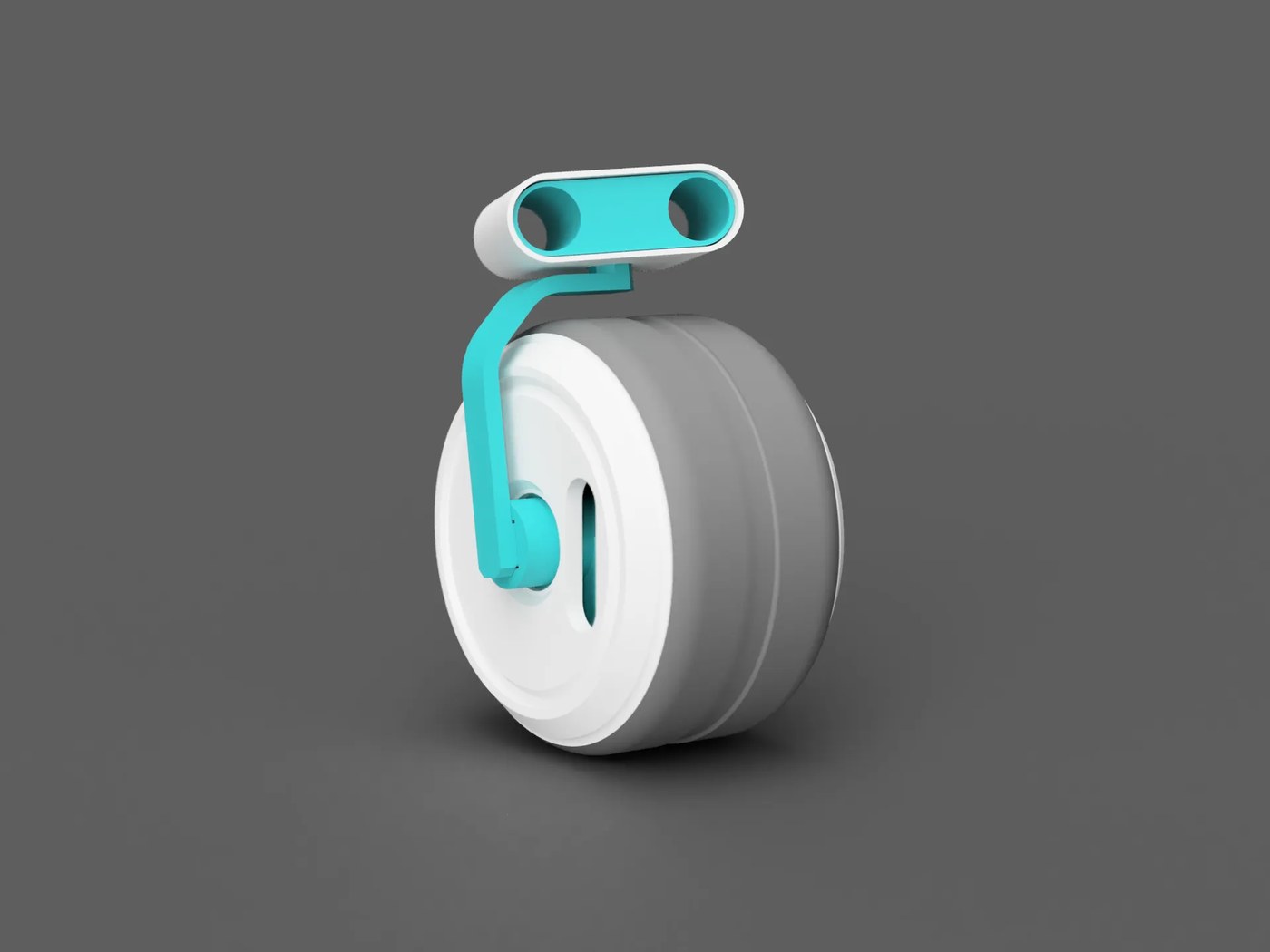
Palm-sized rolling robot: passive stability from an internal counterweight, head always stays up.
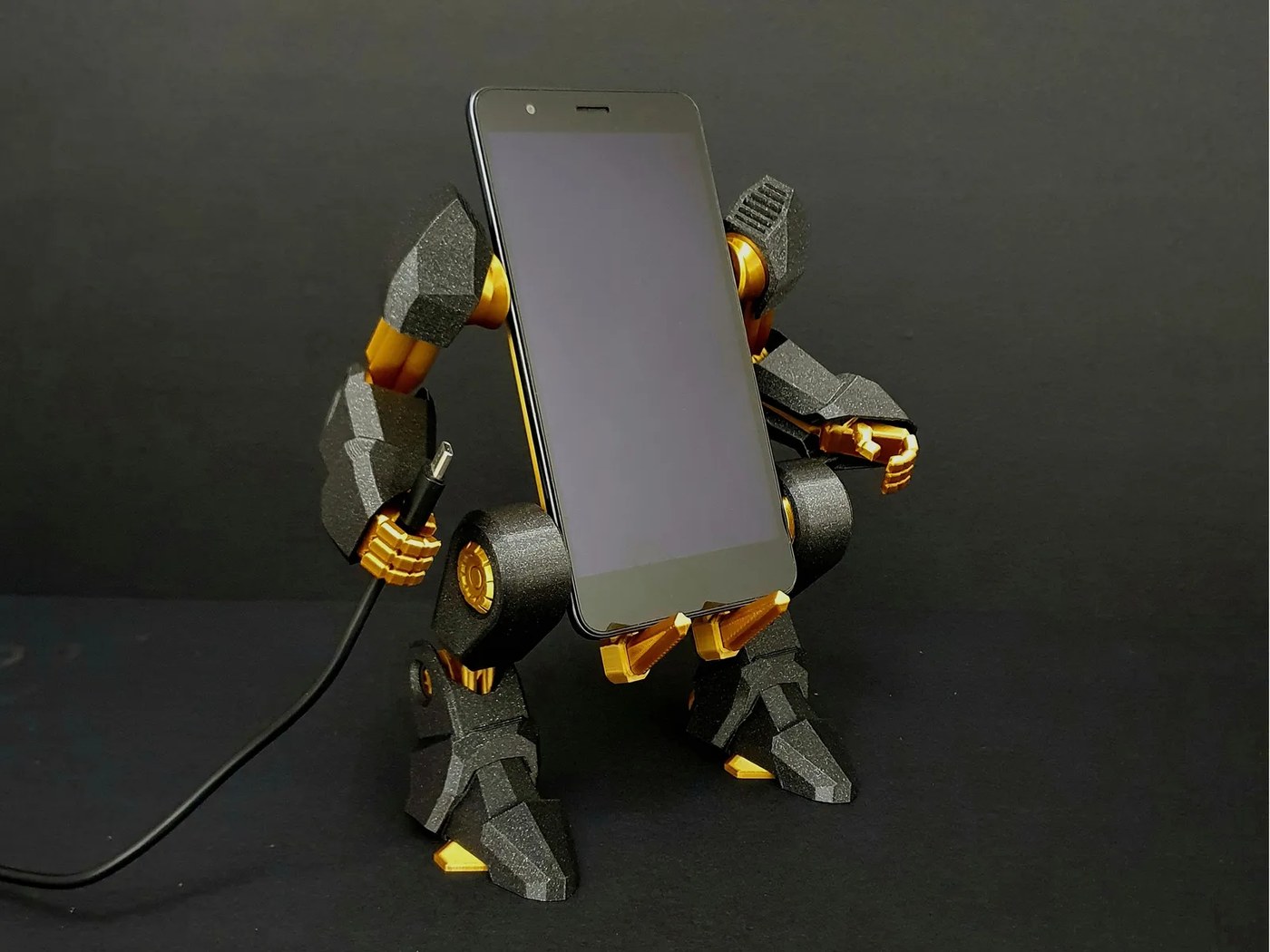
An exo-suit for your phone: print-in-place articulated stand with posable joints and swappable plates.
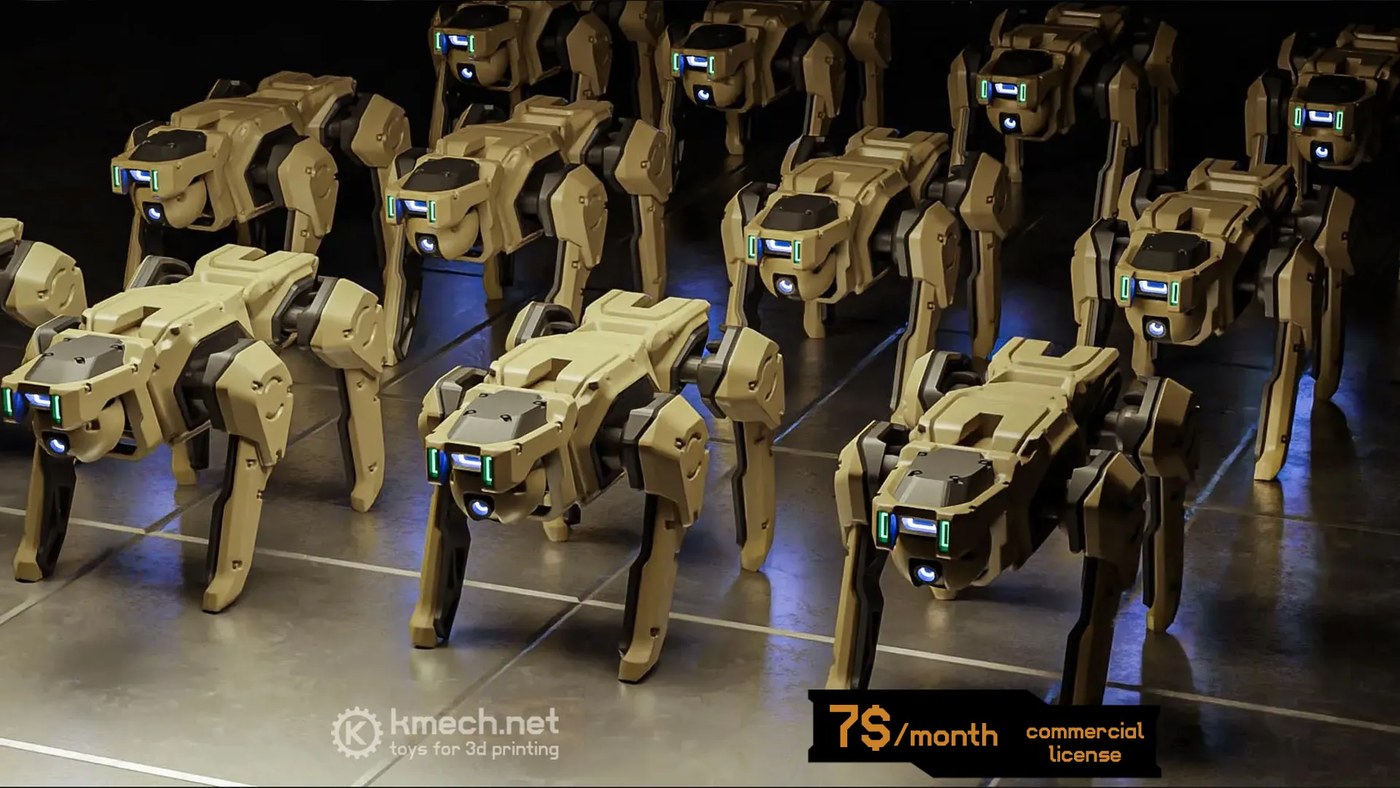
A 4 cm desktop robot dog with posable joints — few parts, quick build.
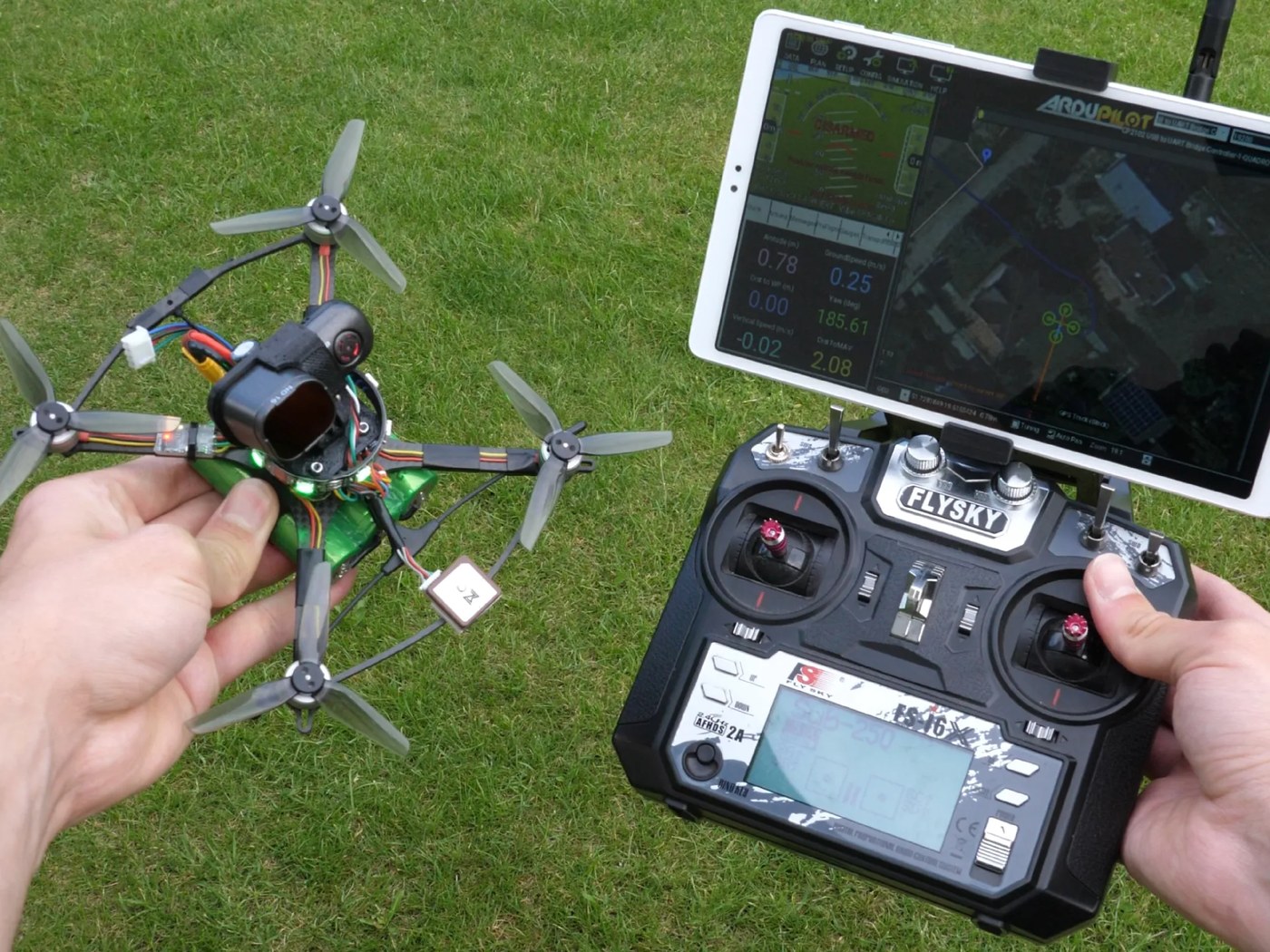
Fully 3D-printed frame for an autonomous drone under 250 g, with dimensioned drawings and firmware notes.
Models come from the Printables community; all rights remain with the original authors, credited per project under their own licences (CC BY / CC BY-NC / CC0).See all 12 projects →
cuVSLAM, nvblox, DNN stereo and NITROS — open acceleration for robot perception and localisation.
Multi-camera decode plus inference and tracking — the standard SDK for video analytics.
Inference optimisation with FP16 / INT8 engines to run models in real time on Orin.
GPU physics and differentiable simulation for robot and physics kernels in Python/CUDA.
GPU inverse kinematics, collision checking and trajectory optimisation for real-time arm planning.
Orin system images and containers: CUDA, cuDNN and TensorRT in one install.
Another 6 need RTX / cloud: Isaac Sim, Isaac Lab, TAO Toolkit, Isaac GR00T N1.7, Cosmos, Omniverse.All 12 on one page →
Turn an old USB printer into a network printer: scan-to-print from your phone, direct IPP, auto driver match.
Desktop, browser, Chinese input, LAN transfer and USB drives; storage as RAM, self-healing boot.
8 built-in games plus study/exam/tutorial modes; remote, gamepad or phone as controller, 1–9 players.
Plug in a USB camera: live view, 30-second loop recording, remote phone access, motion and AI detection.
Also available: model-specific print servers (CM201-1 / CM201-2), HG680-R desktop PC, KTV jukebox, kids' PC, ad-blocking DNS box — 11 kits in total (3 retired).See all kits and packages →
⚠️ Installation needs some hands-on skill (root, ADB / serial, command line). No flashing, no system partitions touched — fully reversible.
.zip you want and unzip it.Install-Guide.pdf (illustrated, ~30–60 min).install/one-click-install.sh <box-ip>, or follow the guide manually.Everything runs locally on the device, nothing goes to the cloud. Only features you set up yourself (file transfer, remote view, alerts) use your own network.
Rooted Android TV boxes (Android 4.4+, armv7 / arm64). Tested on HiSilicon Hi3798MV100 and ZTE ZX296715. Other models will likely work.
Completely free and open source (MIT).
No flashing and no partition changes — just uninstall the apk / re-enable the apps you disabled.
Absolutely. Each kit ships a developer-docs/source folder with source and guides. Get in touch anytime.